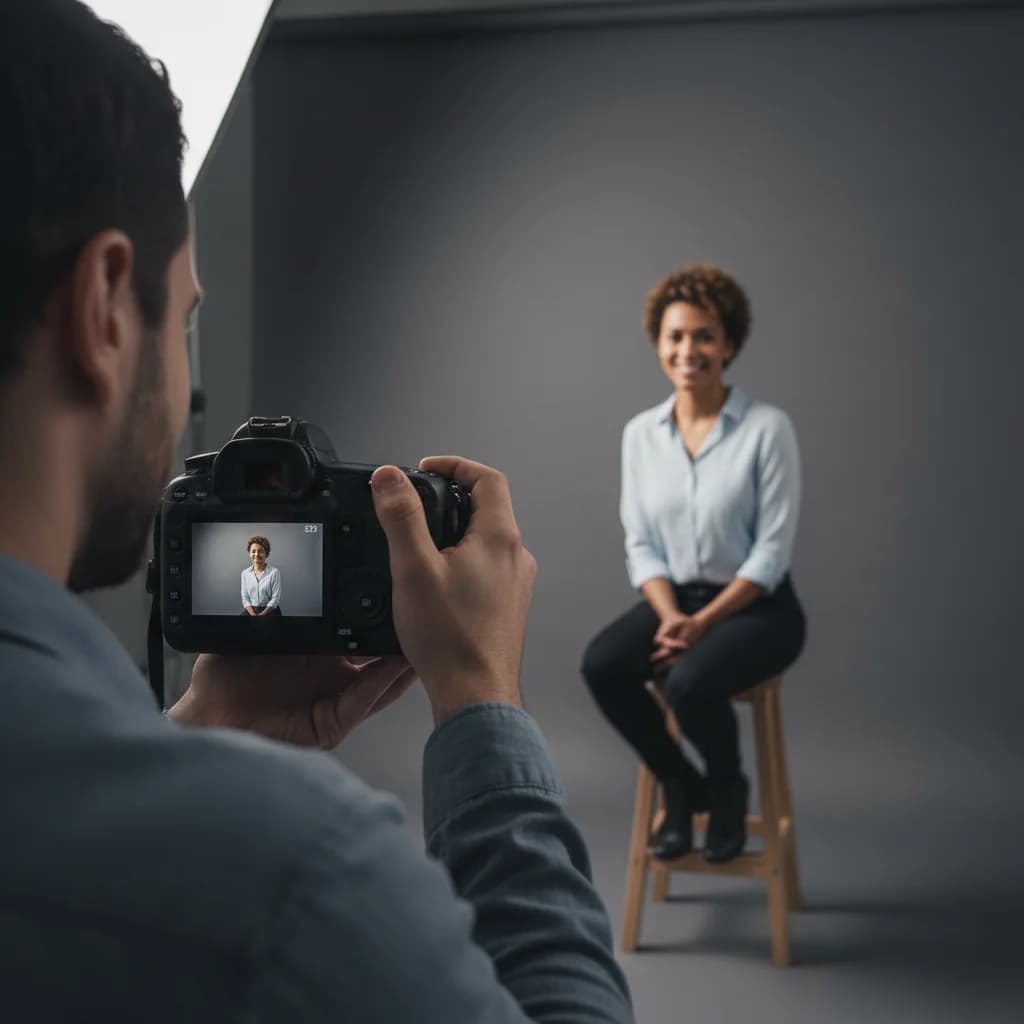
Let’s be brutally honest for a second. I’ve seen LinkedIn profile pictures that belong on a dating app, a vacation album, or frankly, nowhere at all.
I once saw a senior executive using a cropped photo from a wedding—complete with a sliver of someone else’s bridesmaid dress. Another was a blurry selfie taken in a dimly lit car.
These aren’t bad people. They’re smart, accomplished professionals. But their digital first impression screamed:
“I don’t pay attention to details.”
Your LinkedIn profile picture isn’t a vanity project.
It’s a strategic asset.
It’s your digital handshake—the first signal recruiters, hiring managers, and potential clients use to decide whether you’re credible, professional, and approachable. Research consistently shows people form impressions in milliseconds, and your photo is doing heavy lifting whether you like it or not.
So let’s skip the generic advice and focus on what actually works, what recruiters notice, and how to get this critical part of your personal brand right.
The Non-Negotiables: Get These Wrong and Nothing Else Matters
Before we get nuanced, there are rules you simply can’t break. Violating these is like showing up to an interview in sweatpants.
1. High Quality, Always
Your photo must be sharp, well-lit, and clear. No blur. No grain. No pixelation.
A blurry photo signals carelessness or that you haven’t updated your profile in years.
Focus point: your eyes.
2. It’s About You — No Exceptions
This is LinkedIn, not Instagram.
- ❌ No group photos
- ❌ No cropped partners, friends, or wedding guests
- ❌ No kids, pets, cars, or coffee mugs
If it distracts from you, it doesn’t belong.
3. Keep It Recent
Your photo should look like you today on a good day, not you five hairstyles ago.
Update cadence: every 1–2 years, or after a noticeable change (hair, beard, glasses).
Mismatch between photo and reality creates instant distrust.
4. Use the Classic Headshot Frame
Your face should occupy roughly 60% of the frame.
Best crop:
- Top of shoulders → just above the head
This ensures your face is still clear when LinkedIn shrinks it to a tiny circle.
If your current photo fails any of these checks, replacing it should be your top priority.
The Nuances Recruiters Actually Notice
This is where good profiles become great ones.
Background: Quiet, Clean, Intentional
Your background sends signals—even subconsciously.
Avoid
- Messy rooms
- Beds, kitchens, clutter
- Busy outdoor scenes
What works
- Neutral walls (gray, off-white, muted blue)
- Subtle texture or blurred office background
- Clean, out-of-focus environment
Your background should support your credibility, not compete with it.
Dress for the Role You Want
People assess fit instantly.
- Corporate / Finance / Consulting: blazer, jacket, professional blouse
- Tech / Product / Creative: clean button-down, sweater, polished casual
Rule of thumb: dress one level above your current role.
Avoid loud patterns, logos, and text.
Lighting Is the Cheat Code
Great lighting can turn a phone photo into a professional headshot.
- Face a window (natural light)
- Avoid overhead lights
- Never stand with light behind you
Soft, front-facing light = healthy, confident, professional.
Expression: Where Trust Is Built
- Look directly at the camera
- Sit or stand tall
- Use a relaxed, genuine smile
You don’t need a forced grin—just approachability and confidence.
The Profile Photo Mistakes Holding People Back
These show up constantly—and they hurt more than people realize.
Avoid at all costs
- 🚗 Car selfies
- 🚿 Bathroom mirror photos
- 🕶 Sunglasses or hats hiding your face
- 🎭 Over-edited or filtered images
- 🏢 Company logos as profile photos
People hire people, not mystery figures or brands.
Professional Photographer vs DIY (A Realistic Take)
Hire a Pro If:
- You’re client-facing
- You’re applying for senior or leadership roles
- Personal branding matters in your industry
A strong headshot can pay for itself with one opportunity.
DIY That Still Looks Professional
You can absolutely do this yourself:
- Use a modern smartphone (Portrait Mode on)
- Ask a friend to take the photo
- Stand near a window, facing the light
- Use a tripod if possible
- Take lots of photos
- Light edits only—no filters
AI Headshots in 2026: Powerful, But Use Them Wisely
AI headshots have improved dramatically—but authenticity still wins.
The Reality
- ✅ Fast and affordable
- ❌ Risk of looking generic or “too perfect”
Recruiters can often sense when something feels off.
The Smart Way to Use AI Headshots
The best results come from AI tools that enhance real photos, not replace them.
That’s where CoPrep AI’s Headshot Generator stands out.
Why It Works
- Uses your real photos to generate professional headshots
- Preserves your natural features and expressions
- Designed specifically for LinkedIn and job-seeker credibility
- No awkward uncanny-valley effect
👉 Try it here: CoPrep AI Headshot Generator
Pro tip: Choose the version that looks like you on a normal, confident day—not the most “perfect” one.
Final Reality Check
Your LinkedIn photo is the front door to your professional brand.
Before anyone reads your experience…
Before they scan your skills…
Before they message you…
They see your face.
Open your LinkedIn profile right now and ask yourself:
Does this photo represent the professional I actually am?
If the answer isn’t a confident yes, you now have the exact playbook—and the right tools—to fix it.
Because in a competitive market, first impressions aren’t optional.