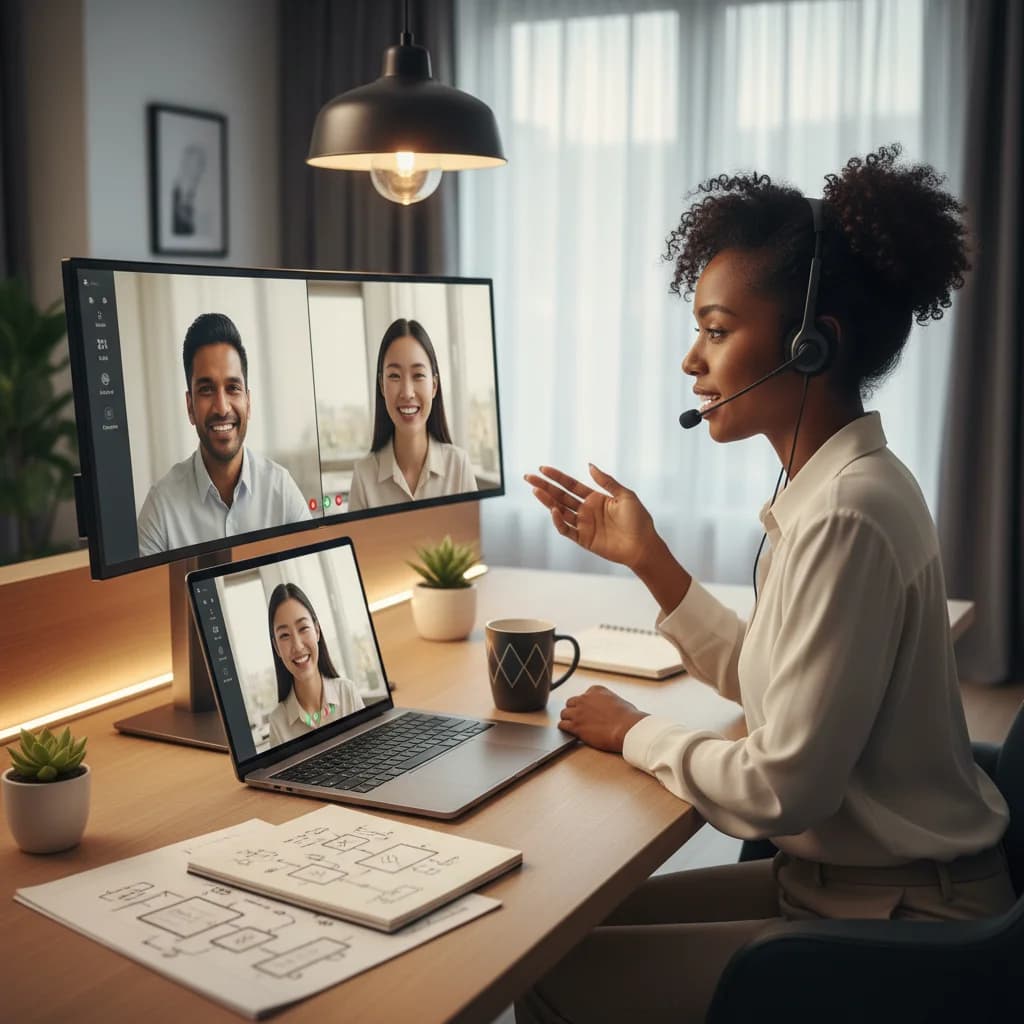
Your Calendar is a Graveyard of Back-to-Back Video Calls
Sound familiar? It’s 4 PM. You’ve been in five meetings, answered 87 Slack messages, and accomplished approximately zero deep work. You feel busy, but not productive. This isn't a personal failure; it's a system failure. Most teams didn't deliberately design their remote workflow. They just took their office habits, threw them at a screen, and hoped for the best.
Here’s the hard truth: Great remote collaboration isn't about replicating the physical office online. It's about building a new, more intentional system from the ground up. It requires a fundamental shift in how we think about communication, documentation, and time itself. I’ve spent years leading and working in distributed teams, and I've seen what works, what burns people out, and what separates high-performing remote teams from the ones that just tread water.
This is the playbook for getting it right.
The Golden Rule: Asynchronous First, Synchronous Second
If you take only one thing away from this article, let it be this. The single biggest mistake teams make is defaulting to synchronous communication (meetings, instant messages) for everything. This creates a culture of constant interruption and penalizes anyone in a different time zone.
An asynchronous-first approach flips the script. It assumes that work happens on your own time and that collaboration should be designed to support that.
What “Async-First” Looks Like in Practice
It’s not about never talking in real-time. It’s about being incredibly deliberate about when you do.
- Project Kickoffs: Instead of a one-hour meeting to explain a project, the project lead writes a detailed brief in a tool like Notion or Confluence. It includes the background (the why), goals, scope, key stakeholders, and a timeline. Team members have 24 hours to read it and leave comments with their questions.
- Decision Making: Instead of pulling everyone into a room, a proposal is written with clear options and a recommendation. A deadline is set for feedback. This allows for more thoughtful input than you'd get from putting someone on the spot.
- Status Updates: Daily stand-ups are often a waste of time. Replace them with a short, written update in a dedicated Slack channel at the start of your day. This takes two minutes and creates a searchable log of progress.
Key Takeaway: The goal of async communication is clarity at scale. A well-written document can be read by five people or fifty, at any time of day, without the author having to repeat themselves. It respects focus time and creates a permanent record.
Synchronous time (video calls) then becomes a valuable, protected resource used for specific, high-value activities:
- Complex problem-solving or brainstorming sessions.
- Sensitive conversations (like performance feedback).
- 1:1 check-ins to build rapport.
- Team bonding and celebrations.
Tools don't solve problems; workflows do. But the right tools, used correctly, are essential for enabling those workflows. Here's a breakdown of the essential stack and the common traps to avoid.
1. The Communication Hub (Slack/Microsoft Teams)
This is your virtual office floor. The key is to create order out of the potential chaos.
- Establish Clear Channel Conventions: Don't let your channel list become a wasteland. Use prefixes like
#proj- for projects, #team- for teams, and #social- for fun. Example: #proj-q2-launch, #team-engineering, #social-pets.
- Thread Everything: A top-level message in a busy channel is like shouting in an open-plan office. Keep conversations organized by replying in threads. This is non-negotiable.
- Use Statuses and Do Not Disturb: Signal your availability. A custom status like "Deep work until 2 PM - will check messages then" sets clear expectations.
Warning: Do not use Direct Messages for project-related decisions. It creates information silos and makes it impossible for new team members to get up to speed. If a conversation in a DM needs to be seen by others, move it to a public channel.
2. The Single Source of Truth (Notion/Confluence/Asana)
This is your team's collective brain. It's where project plans, company policies, meeting notes, and process documentation live. If it's important, it should be written down here.
Your goal is to make information discoverable. Someone should be able to find the answer to a question without having to ask a person. This is the cornerstone of effective async work.
Pro Tip: Treat your internal documentation like a product. Assign an owner to key sections, review it regularly for outdated information, and make sure it has a clear, logical structure. A well-maintained wiki is one of the highest-leverage assets a remote team can have.
3. The Collaborative Canvas (Miro/FigJam)
Sometimes, you just need a whiteboard. Tools like Miro are essential for virtual brainstorming, mapping out user flows, or running retrospectives. They provide a shared space for unstructured, creative thinking that text documents can't replicate.
How to Run Meetings That People Actually Want to Attend
When you do need a synchronous meeting, make it count. Every meeting should be a high-value interaction, not a default calendar entry.
The Pre-Meeting Checklist:
- Does this absolutely need to be a meeting? If you're just sharing information, it should be an async update. If you need to debate, decide, or create something together, a meeting might be right.
- Is there a clear agenda with a stated goal? Every meeting invitation must include a link to a document outlining the topics for discussion and, most importantly, the desired outcome. What decision will be made? What problem will be solved?
- Has the pre-read material been sent out at least 24 hours in advance? No one should be seeing critical information for the first time during the call. The meeting is for discussion, not presentation.
During the Meeting:
- Start on time, end on time. Respect everyone's schedule.
- Assign a facilitator. This person's job is to keep the conversation on track, ensure all voices are heard (especially the quieter ones), and steer the group toward the meeting's goal.
- Take collaborative notes. Have one person share their screen and take notes in a shared document where everyone can see them. This ensures alignment on what was said and decided.
After the Meeting:
- Send a recap immediately. Within an hour of the meeting ending, post a summary in the relevant Slack channel. It should include: key decisions made, action items with owners and deadlines, and a link to the meeting recording.
You Can't See Trust, But You Have to Build It
In an office, trust is often built through proximity—shared lunches, casual conversations by the coffee machine. Remotely, you have to build it with intention and transparency.
Trust isn't about monitoring green status dots. It's about reliability. Do people do what they say they will do? Are they proactive in their communication?
Here’s how to foster it:
- Default to Transparency: Make information public by default. Share project updates, wins, and even setbacks openly. When people feel they have the full context, they feel more trusted and engaged.
- Create Psychological Safety: Leadership must model vulnerability. Admit when you don't know something. Encourage questions. When someone points out a flaw in a plan, thank them. A culture where people are afraid to speak up is a culture where problems fester.
- Schedule Non-Work Interactions: It might feel forced at first, but scheduling things like 15-minute virtual coffee chats, team game sessions, or just having a dedicated Slack channel for non-work banter is crucial. These are the modern-day water cooler moments that build personal connections.
- Give Public Recognition: When someone does great work, praise them in a public channel. It's incredibly motivating and shows the rest of the team what success looks like.
It's Time to Redesign Your Workday
Moving to a remote or hybrid model isn't just a change in location; it's a change in philosophy. It's about trading the illusion of productivity from being seen at a desk for the real, measurable output that comes from deep focus and clear, intentional collaboration.
Don't try to change everything at once. Pick one area—maybe it's implementing mandatory agendas for all meetings. Master it. Then move to the next. These small, deliberate changes are what transform a team from simply working remotely to thriving remotely. The future of work isn't about being in the same room; it's about being on the same page.