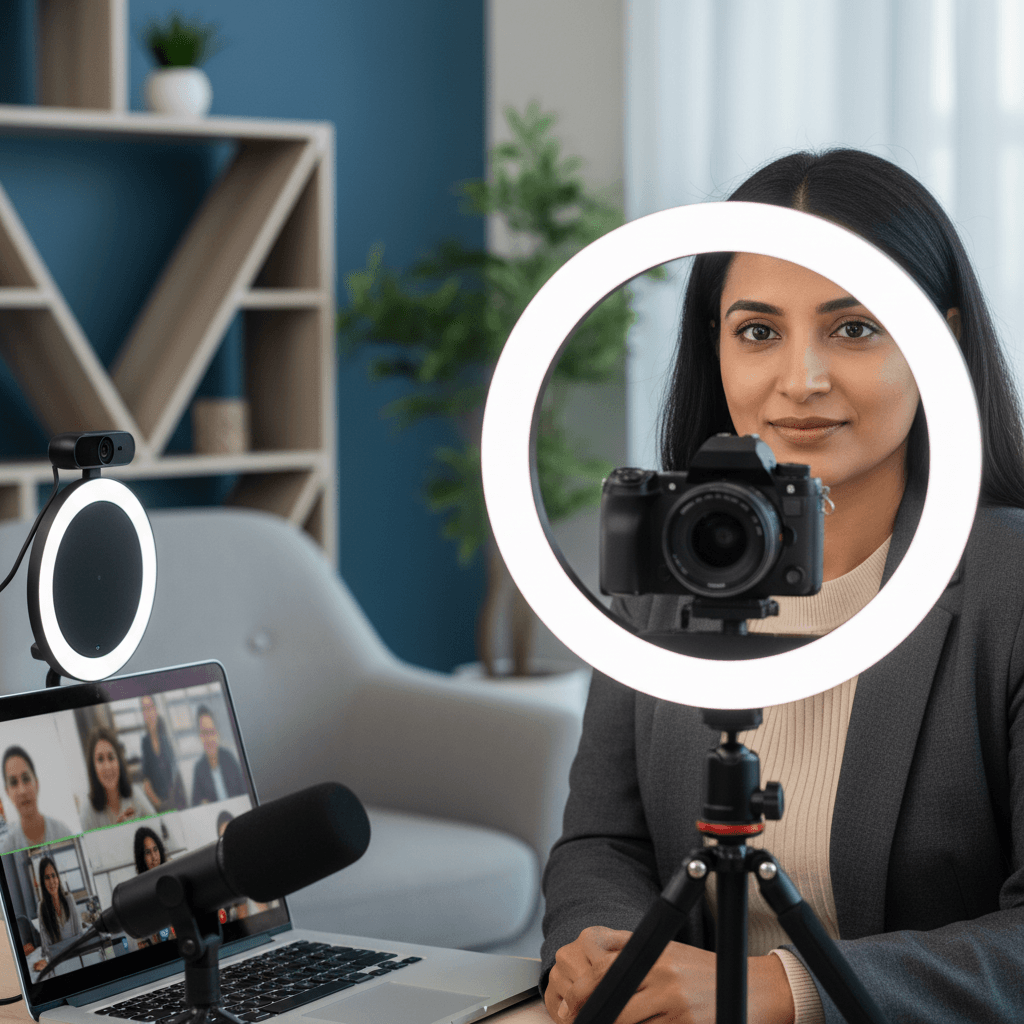
The professional landscape is increasingly visual, and video has emerged as a powerhouse tool for connection and influence on platforms like LinkedIn. Gone are the days when text and static images alone were enough to capture attention. Video offers a dynamic, engaging medium to convey your expertise, showcase your personality, and build genuine rapport with your network. It allows you to break through the noise, making your professional brand more memorable and impactful. For job seekers, thought leaders, and businesses alike, leveraging video on LinkedIn is no longer an option but a strategic imperative. It's an opportunity to humanize your professional profile, share insights directly, and demonstrate communication skills in a way that static content simply cannot match. Embracing video can significantly boost your visibility, engagement rates, and ultimately, your professional success.
Setting the Stage: Planning Your Video Content
Before hitting record, strategic planning is paramount; haphazard video content rarely achieves its desired impact. A well-thought-out approach ensures your message is clear, targeted, and effective.
Define Your Objective and Audience
What do you want your video to achieve? Is it to attract recruiters, share industry insights, promote a service, or celebrate a team success? Clearly identify your primary goal. Equally important is understanding who you're talking to. Tailor your message, tone, and visual style to resonate with your target audience on LinkedIn, whether they are peers, potential employers, or clients. Knowing your audience helps you select appropriate topics and language, ensuring your content is relevant and valuable to them.
Craft a Compelling Narrative
Every good video tells a story. Outline your key message and structure your content with a clear beginning, middle, and end. Start with a hook to grab attention within the first few seconds, elaborate on your main points, and conclude with a strong call to action. Even for short videos, a simple script or bulleted outline ensures clarity and conciseness, preventing rambling and keeping your message focused. This structured approach helps you stay on track and deliver your message efficiently.
Production Prowess: Filming and Editing Essentials
High-quality production isn't about expensive gear; it's about attention to detail. Focusing on key elements can dramatically improve your video's professionalism.
Technical Quality Matters: Audio and Visuals
Clear audio is non-negotiable. Viewers will forgive less-than-perfect visuals more readily than poor sound. Invest in an external microphone if possible, or ensure you're recording in a quiet environment away from distractions. Visually, aim for good lighting (natural light from a window is often best), a clean and professional background, and a stable camera. Position yourself at eye level with the camera for a more engaging and direct interaction, fostering a sense of connection with your audience.
Keep it Concise and Engaging
LinkedIn users are often busy professionals. Aim for videos that are typically 1-3 minutes in length, though some in-depth discussions or tutorials can extend up to 5-10 minutes if the content truly warrants it. The first 5-10 seconds are crucial for hooking your audience; get straight to the point and maintain an energetic, authentic delivery. Avoid unnecessary filler or overly long introductions to keep viewers engaged from the start.
Add Professional Polish
Basic editing can elevate your video significantly. Trim unnecessary pauses, remove mistakes, and add intro/outro slides, text overlays for key points, and professional background music (royalty-free) at a low, non-distracting volume. Crucially, always include subtitles or closed captions. Many users watch videos on LinkedIn without sound, especially in professional environments, and captions ensure your message is accessible and understood by all, enhancing reach and engagement.
Distribution and Engagement: Maximizing Your Reach
Creating great content is only half the battle; ensuring it reaches the right audience is key to success.
Optimized Uploading: Captions and Thumbnails
Always upload your video natively to LinkedIn rather than sharing a YouTube or Vimeo link. Native uploads typically perform better due to LinkedIn's algorithm, which prioritizes content hosted directly on its platform. As mentioned, add subtitles directly to your video or upload an SRT file for improved accessibility. Additionally, create an eye-catching custom thumbnail that accurately represents your video's content and encourages clicks, standing out in the feed.
Write a compelling accompanying post that introduces your video, highlights its value proposition, and includes relevant hashtags (3-5 is a good number) to increase discoverability. Tag relevant individuals or companies if appropriate, but do so judiciously to avoid spamming and ensure genuine relevance. Consider cross-promoting your LinkedIn video on other professional networks where applicable, driving traffic back to your LinkedIn post to maximize viewership.
Encourage Interaction and Respond
End your video with a clear call to action, inviting viewers to comment, share their thoughts, or ask questions. Actively monitor comments on your post and respond thoughtfully and promptly. Engaging with your audience fosters a sense of community, builds rapport, and signals to LinkedIn's algorithm that your content is valuable and generating discussion, potentially boosting its reach and visibility.
Types of LinkedIn Videos to Consider
Diversify your video content to keep your audience engaged and showcase various facets of your expertise and professional brand.
- Thought Leadership and Expertise Sharing: Share your insights on industry trends, best practices, or offer quick tutorials and how-to guides. Position yourself as a go-to expert in your field by consistently providing valuable, informed perspectives.
- Personal Branding and Storytelling: Share your professional journey, career lessons learned, or explain your