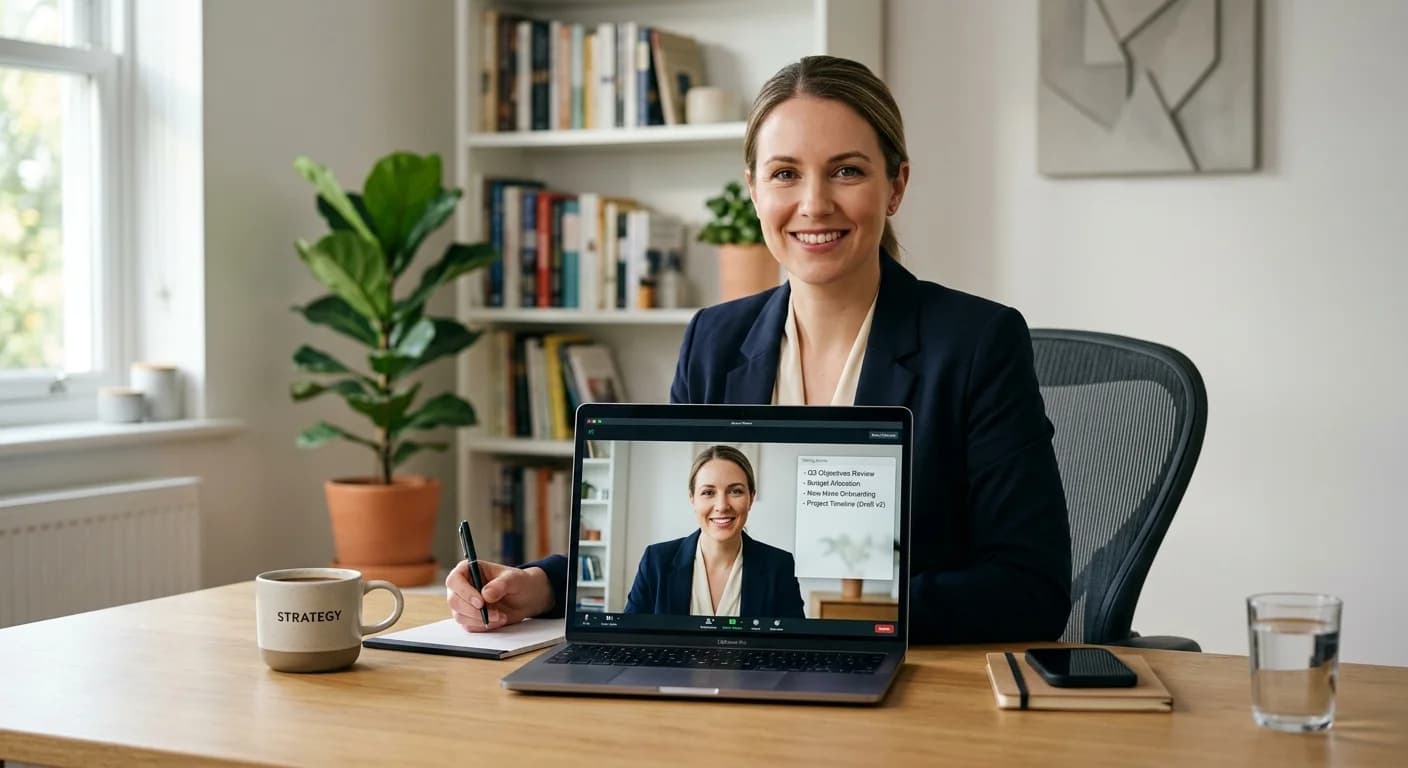
The shift toward remote work has fundamentally altered how companies hire. Today, the vast majority of first and second-round interviews occur over video conferencing platforms, with Zoom remaining the primary choice for global recruiters. While this transition offers convenience, it introduces a unique set of challenges. Candidates often struggle with maintaining eye contact while glancing at notes, managing technical glitches, and overcoming the psychological barrier of speaking to a screen.
To navigate this environment, a new category of technology has emerged: the ai interview copilot for zoom. These tools are designed to act as a digital wingman, providing real-time support that bridges the gap between your preparation and your live performance. This guide explores how to leverage these assistants to communicate your value more effectively and reduce the stress of high-stakes virtual meetings.
What is an AI Interview Copilot?
It is important to distinguish between traditional preparation tools and a live assistant. Traditional preparation involves reading articles, watching videos, or using static templates to draft answers. While helpful, these methods often fail the moment the actual conversation begins and nerves take over.
An AI interview copilot is a dynamic software application that operates during the live call. Unlike a static PDF of notes, the copilot uses speech recognition to follow the conversation in real-time. It analyzes the interviewer's questions and provides subtle, non-intrusive prompts to remind you of specific experiences, keywords, or data points you intended to share.
Think of it as the difference between studying a map before a hike and having a GPS system during the journey. The map is your preparation; the copilot is your real-time guidance. It doesn't replace your voice or your expertise; rather, it ensures that your best self shows up, even when you are under pressure.
One of the primary concerns for job seekers is the technical integration of new software. You do not want a tool that interferes with Zoom’s audio or video quality. Most modern AI assistants are built to run as lightweight overlays or side-by-side applications.
When you use an assistant during a Zoom call, the software typically captures the incoming audio from the interviewer and the outgoing audio from your microphone. It then processes this information locally or via secure cloud servers to generate suggestions. Because these tools are designed for professional use, they are built to be discreet. They do not appear as a participant in the Zoom room, and they do not require you to share your screen with the interviewer to function.
According to Zoom’s system requirements, running multiple applications simultaneously requires a stable processor and sufficient RAM. Using a dedicated desktop application ensures that the AI can operate smoothly without causing the video lag that sometimes occurs with browser-based extensions.
The Benefits of Structured Support: Staying on Track
During a virtual interview, it is easy to ramble. When a recruiter asks a complex behavioral question like "Tell me about a time you managed a difficult stakeholder," the brain often goes into overdrive. You might start a great story but lose the thread halfway through, forgetting to mention the specific results you achieved.
This is where structured support becomes essential. An AI copilot can help you adhere to the STAR method (Situation, Task, Action, Result) by providing visual cues. If the AI detects you have spent too long on the "Situation," it might nudge you to move toward the "Action."
Key benefits include:
- Keyword Tracking: Ensuring you mention the specific technical skills or software mentioned in the job description.
- Pacing Alerts: Notifying you if you are speaking too quickly, which is a common symptom of interview anxiety.
- Confidence Boost: Knowing that your key talking points are visible allows you to focus on building a rapport with the interviewer rather than memorizing a script.
Setting Up Your Environment: The Desktop Advantage
For the best experience, your digital workspace should be as organized as your physical one. Many candidates try to use a single monitor with multiple windows tiled together, but this often leads to a cluttered view and distracted eye movement.
A specialized AI interview desktop app is designed to solve this. These applications often feature a transparent or semi-transparent overlay that sits directly below your webcam. By positioning your AI prompts near the camera lens, you can read your talking points while appearing to maintain direct eye contact with the interviewer.
If you are using a single-monitor setup, the desktop app allows you to keep Zoom in full-screen mode while the AI assistant floats on top. This prevents the frantic clicking between windows that can make a candidate look unprepared or tech-illiterate.
Best Practices for Natural Engagement
While an AI assistant is a powerful tool, it must be used correctly to maintain professional integrity and natural flow. The goal is to enhance the conversation, not to read a generated script.
Avoid the "Reading" Look
If you stare at one spot on your screen and read full sentences, the interviewer will notice. Use the AI copilot to display bullet points and triggers rather than long paragraphs. The assistant should remind you of the word "Scalability" or "Budget Management," which then triggers your own natural memory of the project.
Practice Active Listening
Don't wait for the AI to tell you what to say. Use the first few seconds of an interviewer's question to truly listen. The AI is there to catch what you might miss, but your primary focus should always be the person on the other side of the screen. Harvard Business Review emphasizes that virtual rapport is built through active listening and verbal cues like "That’s a great question."
Control Your Environment
Ensure your lighting is front-facing so the AI doesn't have to compete with shadows if it uses any visual tracking features, and use a high-quality headset to ensure the speech recognition is as accurate as possible.
The Importance of Pre-Interview Training
Live assistance is most effective when it supplements a foundation of solid preparation. You should never go into a live Zoom call using an AI copilot for the first time.
Instead, use mock interview practice to get comfortable with the interface. Mock interviews allow you to simulate the pressure of a real call and see how the AI responds to your specific speaking style. This practice phase helps you calibrate the tool, adjusting the font size of the prompts or the sensitivity of the suggestions.
When you combine rigorous preparation with live support, you create a safety net. The preparation builds your knowledge base, and the copilot ensures that knowledge is accessible during the moments when your heart rate is up and your memory might otherwise falter.
The digital age demands a new approach to career development. Relying solely on memory and paper notes is no longer the most efficient way to compete in a global job market. By integrating an AI interview copilot for Zoom into your workflow, you are not looking for a shortcut; you are using the best available technology to ensure your qualifications are communicated clearly and professionally.
As you prepare for your next career move, consider how these tools can reduce your anxiety and allow your true personality to shine through. With the right setup, a commitment to practice, and a reliable AI assistant, you can turn the challenge of the virtual interview into a significant advantage.
Ready to transform your interview performance? Download the CoPrep desktop app today and experience a more structured, confident, and successful Zoom interview process.
Frequently Asked Questions
Does an AI interview copilot record my Zoom call?
Most professional AI assistants, including CoPrep, prioritize user privacy. While the tool must "listen" to provide real-time suggestions, it does not typically record or store the audio of the call unless you explicitly enable a recording feature for your own review later. Always check the specific privacy settings of the app you choose.
How does the AI provide suggestions during a live conversation?
The AI uses advanced speech-to-text technology to transcribe the interviewer's question in milliseconds. It then compares the context of the question against your uploaded resume and the job description to highlight relevant talking points and experiences that you should mention.
Is using an AI assistant during an interview considered professional?
Using tools to stay organized is a hallmark of a modern professional. Just as executives use teleprompters for speeches or notes during board meetings, an AI assistant is a digital organizational tool. As long as you use it to prompt your own genuine thoughts rather than reading a script, it is a legitimate way to manage the cognitive load of a virtual interview.
Can I use an AI copilot on a single monitor setup?
Yes. While dual monitors provide more screen real estate, specialized desktop applications are designed to work perfectly on a single screen. They use "always-on-top" overlay technology that allows the assistant to sit quietly over your Zoom window without interfering with your ability to see the interviewer.