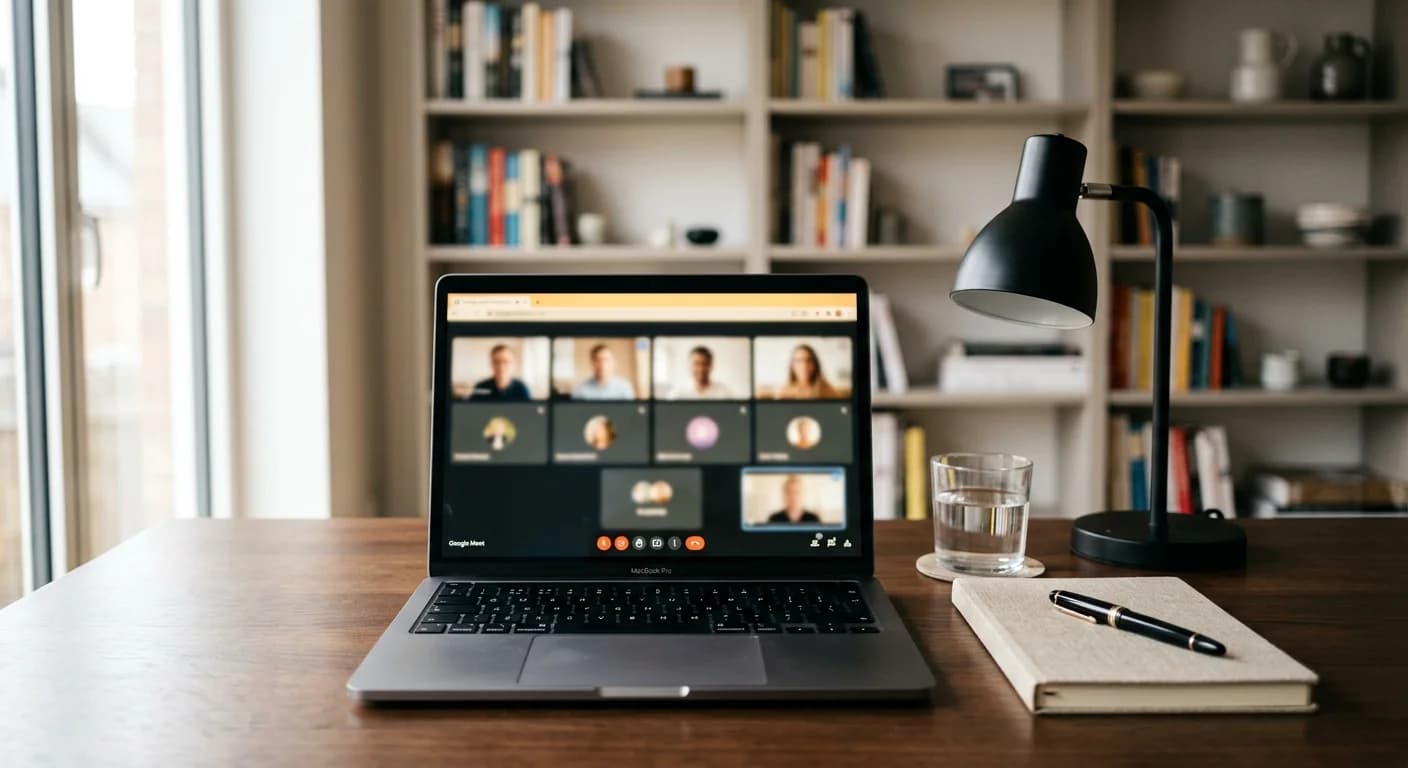
Remote interviewing has become the standard for modern recruitment. While platforms like Google Meet offer convenience, they also introduce unique pressures. Candidates must manage their technical setup, maintain eye contact with a camera lens, and recall complex project details—all while trying to build a genuine connection with a hiring manager.
In this high-stakes environment, many professionals are turning to technology to bridge the gap between their experience and their performance. Using an ai interview copilot for google meet provides a structured way to manage information during a live call, ensuring you stay on track without losing the human touch that wins jobs.
What is an AI Interview Copilot for Google Meet?
An AI interview copilot is a real-time assistant designed to support candidates during virtual meetings. Unlike static notes or a prepared script, this tool functions as a dynamic partner. It listens to the conversation, understands the context of the questions being asked, and provides subtle, real-time prompts to help you structure your responses.
When integrated with Google Meet, an AI interview copilot acts as a digital safety net. It doesn't replace your knowledge; rather, it helps you retrieve that knowledge more efficiently. For example, if an interviewer asks about a specific technical challenge you faced three years ago, the copilot can surface relevant bullet points from your uploaded resume or project history, allowing you to answer with precision instead of vague generalizations.
Key Benefits: Real-Time Guidance vs. Traditional Preparation
Traditional interview preparation usually involves hours of memorizing stories using the STAR method (Situation, Task, Action, Result). While this preparation is vital, the stress of a live interview can often lead to "brain fog," where even the best-prepared candidates struggle to recall their specific metrics or outcomes.
Reducing Cognitive Load
An AI copilot reduces the cognitive load by handling the information retrieval for you. Instead of worrying about forgetting a key detail, you can focus on your tone, pace, and the interviewer's body language. This shift from "memorization mode" to "communication mode" often results in a much more natural and confident performance.
Improving Answer Structure
One of the most common mistakes in Google Meet interviews is rambling. Without physical cues from the interviewer, it is easy to lose track of time. A copilot provides a visual structure for your answers, reminding you to move from the 'Action' to the 'Result' phase of your story. This ensures your answers remain concise and impactful.
Real-Time Transcript Awareness
Modern assistants often include a virtual interview preparation component that involves transcribing the live audio. This allows the AI to understand exactly where you are in the conversation, providing context-aware suggestions that feel relevant to the current question rather than generic advice.
How to Set Up Your Workspace for a Google Meet Interview
To use an AI assistant effectively, your digital and physical workspace must be optimized. A cluttered screen can lead to distraction, which is the opposite of what a copilot is intended to achieve.
- Screen Real Estate: Avoid having too many tabs open. If you are using Google Meet in a browser, pull the tab out into its own window. Position the meeting window at the top center of your screen, near your webcam. This ensures that when you look at the interviewer, you are also looking toward the camera.
- The Sidebar Strategy: Position your AI copilot interface as a slim sidebar next to your Google Meet window. This minimizes eye movement. You want to be able to glance at your prompts using your peripheral vision without clearly shifting your gaze away from the interviewer.
- Audio Configuration: Ensure your microphone and speakers are correctly configured so the AI can "hear" the interviewer clearly. Using a high-quality headset can often improve the transcription accuracy for the AI while providing clearer audio for your interviewer.
Using an Undetectable Desktop App for a Seamless On-Call Experience
Privacy and professionalism are the biggest concerns for candidates using assistive technology. You do not want a tool that interferes with the Google Meet interface or requires you to share your screen.
Using an undetectable interview app is the most effective way to integrate AI support. These desktop applications run independently of the browser. Because they do not inject code into the Google Meet platform itself, they remain invisible to the interviewer.
This setup allows you to have a "private coach" that only you can see. The app overlays your screen or sits alongside your window, providing real-time feedback and notes without the interviewer ever knowing you are receiving support. This technical separation is essential for maintaining a professional environment and ensuring the tool does not trigger any security flags on corporate devices.
Best Practices for Utilizing AI Support Without Losing Natural Engagement
An AI copilot is a tool, not a crutch. To use it effectively, you must maintain the "human" element of the interview. Here is how to balance technology with authenticity:
Avoid Reading Verbatim
The fastest way to signal that you are using notes is to read directly from the screen. Your eyes will move in a rhythmic horizontal pattern, and your voice will lose its natural inflection. Use the AI prompts as triggers for your memory—not as a script. Look at a keyword, then look back at the camera to deliver the thought.
Use the "Listen First" Approach
Let the interviewer finish their entire question before glancing at your copilot. This shows respect and active listening. It also gives the AI time to process the question and provide the most relevant guidance. According to official Google Meet tips, clear communication and pausing are key to overcoming the slight audio delays inherent in video calls.
Maintain Eye Contact
Eye contact in a virtual interview means looking at the camera, not the person's face on the screen. By positioning your AI assistant close to the camera level, you can check your notes while maintaining the appearance of direct eye contact. This builds trust and rapport with the hiring manager.
The Importance of Mock Practice Before the Live Call
You should never use an AI copilot for the first time during a real interview. The interface, the way the prompts appear, and the rhythm of the AI's suggestions all require a learning curve.
Engaging in mock interview practice allows you to get comfortable with the software. Use the practice mode to simulate a Google Meet environment. This helps you:
- Adjust the font size of the AI prompts.
- Test your audio levels.
- Practice the "glance and speak" technique.
- Refine your resume and project data so the AI surfaces the most relevant information.
By the time the actual Google Meet call starts, the copilot should feel like a natural extension of your thought process, not a distracting new piece of software.
Final Thoughts: Combining Human Intuition with AI-Powered Structured Support
The goal of using an ai interview copilot for google meet is to present the best version of yourself. It provides the structural integrity that stress often takes away, allowing your personality and expertise to shine through. By setting up your workspace correctly, using a discreet desktop application, and practicing your delivery, you can turn a high-pressure interview into a structured, successful conversation.
Technology can provide the data, but you provide the soul of the interview. Use these tools to stay organized, stay calm, and stay focused on the most important part of the process: showing the employer why you are the right fit for the role.
Frequently Asked Questions
Does an AI interview copilot work directly inside Google Meet?
Most advanced AI copilots operate as standalone desktop applications rather than browser extensions. This allows them to work alongside Google Meet without being integrated into the meeting software itself, which ensures better privacy and prevents the tool from being visible to other participants.
Is using an AI assistant during an interview considered cheating?
There is a clear distinction between using a tool for "coaching" and using it for "automated answering." Using an AI to help organize your thoughts, remind you of your own experiences, and manage your timing is a form of advanced preparation, similar to having a notepad on your desk. However, you should always rely on your own genuine knowledge to answer technical and situational questions.
Preparation is key. Position the AI interface close to your camera and use a clean, minimalist layout. Practice with the tool beforehand so you are used to the way prompts appear. The goal is to use the AI for quick glances to trigger your memory, rather than staring at it throughout the call.
Can the interviewer see if I am using an AI copilot?
If you use a dedicated desktop app that does not require screen sharing or browser-level integration, the interviewer cannot see the tool. As long as you maintain natural eye contact and do not read from a script, the presence of the assistant remains entirely private to you.