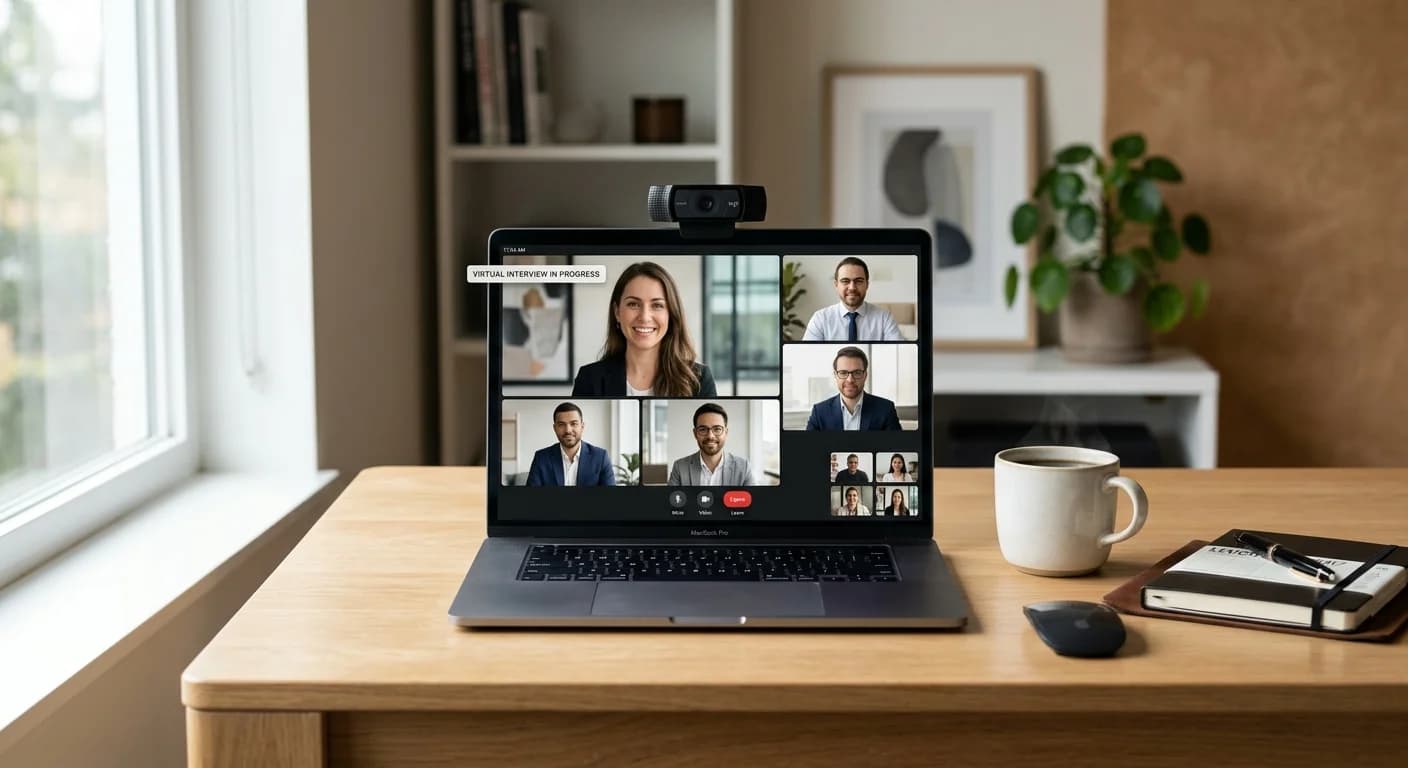
Remote hiring has transformed from a temporary necessity into a permanent standard for tech, corporate, and remote-first organizations. While the convenience of interviewing from home is undeniable, the pressure of maintaining eye contact with a lens while recalling complex project details remains a significant challenge. This is where artificial intelligence steps in, not as a replacement for your personality, but as a sophisticated support system. Learning how to use ai during zoom interview sessions can mean the difference between a stuttered response and a confident, structured delivery.
In this guide, we will explore how to ethically and effectively integrate AI into your interview workflow. By positioning AI as a 'co-pilot,' you can reduce cognitive load, manage your notes more effectively, and focus on building a genuine connection with your interviewer.
Phase 1: Pre-Interview Preparation
Success in a Zoom interview begins long before you click the 'Join' button. The most effective way to use AI is to simulate the high-pressure environment of a live call. Traditional preparation often involves talking to a mirror or recording yourself on a phone, but these methods lack the dynamic feedback required to improve.
Simulating the Zoom Environment
Using an AI mock interview allows you to practice in a digital space that mimics the layout and pressure of a real Zoom call. You can input the specific job description and your resume, allowing the AI to generate tailored questions that a human recruiter would likely ask. This phase helps you refine your 'STAR' (Situation, Task, Action, Result) stories and ensures your technical explanations are concise.
Research and Strategy
Beyond practice, use AI to analyze the company’s recent public filings, blog posts, or news releases. Ask an AI tool to summarize the key challenges the industry is facing. This preparation ensures that when you are on the live call, your AI assistant has a rich context to draw from when providing real-time prompts.
Phase 2: Technical Setup and Screen Management
One of the biggest hurdles when using AI during a live call is screen real estate. If you are constantly looking away from the camera to read notes or check an AI window, you break the 'eye contact' that is vital for building rapport.
Configuring Your Workspace
To maintain a professional appearance, you need a setup that allows you to see the interviewer, your own video feed, and your AI tool without shifting your gaze significantly.
- The Eye-Line Rule: Position your Zoom window as close to your webcam as possible.
- Overlay Management: Instead of splitting the screen 50/50, which forces your eyes to move left and right, use an undetectable interview app that sits as a transparent or discreet overlay near the top of your screen. This allows you to glance at prompts while appearing to look directly at the interviewer.
- Hardware Considerations: Ensure your microphone is clear. AI tools rely on high-quality audio input to provide accurate real-time transcriptions and suggestions. If the AI cannot 'hear' the interviewer clearly, the assistance it provides will be delayed or inaccurate.
Phase 3: During the Interview – The AI Co-Pilot
During the live conversation, the goal is to use AI for high-level guidance rather than verbatim scripts. When you are asked a complex behavioral question, your brain often goes into 'search mode,' leading to long silences or filler words like 'um' and 'uh.'
Leveraging Real-Time Prompts
An AI interview copilot acts as a safety net. As the interviewer speaks, the AI processes the question and can surface bullet points from your prepared notes that are most relevant to the topic. For example, if asked about a time you handled conflict, the AI can flash a reminder of the 'Project X' story you prepared.
Transcript-Aware Guidance
Advanced AI tools provide real-time interview coaching by monitoring the pace of your speech and the sentiment of the conversation. If you are speaking too fast—a common symptom of interview anxiety—the AI can provide a subtle visual cue to slow down. If the interviewer mentions a specific technical stack, the AI can pull up your relevant certifications or project outcomes instantly.
Handling Unexpected Questions
No matter how much you prepare, an interviewer will eventually ask something unexpected. In these moments, an AI interview assistant for Zoom can provide a structured outline for a response within seconds. This prevents the 'blank slate' panic and gives you a logical framework to build upon using your own words and experiences.
Phase 4: Post-Interview Analysis and Follow-Up
The utility of AI doesn't end when the Zoom meeting is terminated. The data captured during the call is a goldmine for self-improvement and professional follow-up.
Use AI note-taking for interviews to review the transcript of the call. Look for patterns in your delivery:
- Did you answer the questions directly?
- Were there moments where the interviewer seemed confused?
- Did you miss an opportunity to mention a key skill?
By reviewing these transcripts, you can identify 'blind spots' in your interviewing style and address them in your next round of practice.
Generating Impactful Follow-Ups
Generic 'thank you' emails are rarely memorable. Use the AI-generated notes from your Zoom call to draft a highly personalized follow-up. Mention a specific point the interviewer made or provide a brief answer to a question you felt you could have explained better. This demonstrates high levels of engagement and attention to detail.
Ethical Best Practices: Coach, Not a Script
It is vital to distinguish between using AI as a coaching tool and using it to deceive. Professional integrity is the foundation of any long-term career.
Avoid the 'Script Trap'
Reading a script generated by AI in real-time is almost always detectable. Interviewers look for micro-expressions, natural pauses, and the cadence of human thought. If you are reading, your eyes will track horizontally, and your voice will lose its natural inflection. Use AI to provide keywords and frameworks, not full sentences.
Authenticity is Key
The goal of an interview is for the company to get to know you. If you rely too heavily on AI-generated answers, you risk appearing robotic or over-rehearsed. Use the AI to clear the 'mental clutter' so your true personality and expertise can shine through. Think of it like a pilot using an instrument panel; the instruments provide data, but the pilot still flies the plane.
Building Long-Term Confidence
Integrating AI into your interview process is about more than just passing a single call. It is about developing a structured approach to communication. Over time, the frameworks provided by Zoom interview preparation with AI become second nature. You will find yourself naturally structuring your answers using the STAR method and maintaining better eye contact even when the AI isn't there.
By embracing these tools, you turn a high-stress event into a manageable process. You move from a state of 'hoping for the best' to a state of 'prepared for anything.'
FAQ
Is it ethical to use AI during a Zoom interview?
Using AI as a supportive tool—similar to having a notepad or a 'cheat sheet' of your own accomplishments—is generally considered a modern approach to preparation. However, using it to read verbatim scripts or to answer technical questions you do not actually understand is unethical and often violates the spirit of the interview process. Always use AI to augment your own knowledge, not replace it.
Will the interviewer know if I am using an AI assistant?
If you use a standard screen-sharing setup or a tool that requires an 'invite' to the Zoom call (like a bot), they will know. However, using a dedicated, local desktop overlay allows you to keep your assistance private. The key to remaining 'undetectable' is not about the software, but about your behavior. If you maintain eye contact and speak naturally rather than reading, the AI remains a silent partner.
Ideally, you should place your AI tool window at the top-center of your monitor, directly below your webcam. Resize your Zoom window so the interviewer's face is also near the top of the screen. This minimizes eye movement. Avoid placing the AI tool on a second monitor, as turning your head away from the primary camera is a clear signal that you are looking at external notes.
Can AI help me answer unexpected behavioral questions in real-time?
Yes. An AI copilot can listen to the prompt and quickly suggest which of your pre-loaded stories or 'STAR' examples best fits the question. While it won't tell you exactly what to say, it provides the 'trigger' you need to recall the right experience and structure your response effectively.
Ready to transform your interview performance? Sign up for CoPrep today to access our full suite of tools, from initial mock practice to live call coaching, and start your next Zoom interview with total confidence.