The shift toward remote hiring has fundamentally changed how candidates approach the job search. Zoom has become the standard venue for first-round screenings, technical assessments, and final panel interviews. While video calls offer convenience, they also introduce unique challenges, such as maintaining eye contact with a camera, managing digital notes, and dealing with the inevitable nerves of a high-stakes conversation.
To navigate this environment, many professionals are turning to an AI interview assistant to help them stay organized and focused. These tools are not about replacing human intuition or providing a script to read; rather, they serve as a sophisticated support system that allows you to present your best, most prepared self. This guide explores how an ai interview assistant for zoom can be integrated into your preparation strategy to improve your performance and reduce anxiety.
What is an AI Interview Assistant?
An AI interview assistant is a specialized software tool designed to provide real-time support and preparation resources for job seekers. Unlike general-purpose AI, these tools are trained specifically on recruitment patterns, common interview questions, and professional communication standards.
At its core, this technology functions as a productivity and coaching tool. It helps you organize your thoughts, provides structured prompts based on your resume and the job description, and often includes features for real-time interview coaching. By processing the audio from your call, the assistant can help you keep track of the conversation and ensure you don't miss key opportunities to highlight your skills.
Using an ai interview assistant for zoom offers several advantages that traditional paper notes simply cannot match. When you are in the middle of a complex technical explanation or a behavioral story, having a dynamic tool by your side can make a significant difference.
1. Real-Time Transcription and Context
One of the most difficult parts of a Zoom interview is active listening while simultaneously planning your response. An AI assistant provides live transcription, allowing you to quickly glance at a question if you missed a word or need a moment to process a multi-part inquiry. This reduces the cognitive load, letting you focus on the interviewer's tone and body language.
2. Structured Prompts and Talking Points
Instead of fumbling through a physical notebook, a desktop interview copilot allows you to have your key achievements and STAR-method (Situation, Task, Action, Result) stories visible on your screen. The AI can highlight relevant points based on the direction of the conversation, ensuring your answers remain concise and impactful.
3. Stress Reduction and Confidence Building
Anxiety often stems from the fear of forgetting a crucial detail. Knowing that you have a safety net—a tool that helps you stay on track and provides AI interview notes—can significantly lower your cortisol levels. When you are less stressed, your natural personality and expertise are more likely to shine through.
Setting Up Your Workspace for Success
To get the most out of your ai interview assistant for zoom, your technical setup must be seamless. You do not want to be troubleshooting software while your interviewer is waiting for you to join the call.
The Desktop Advantage
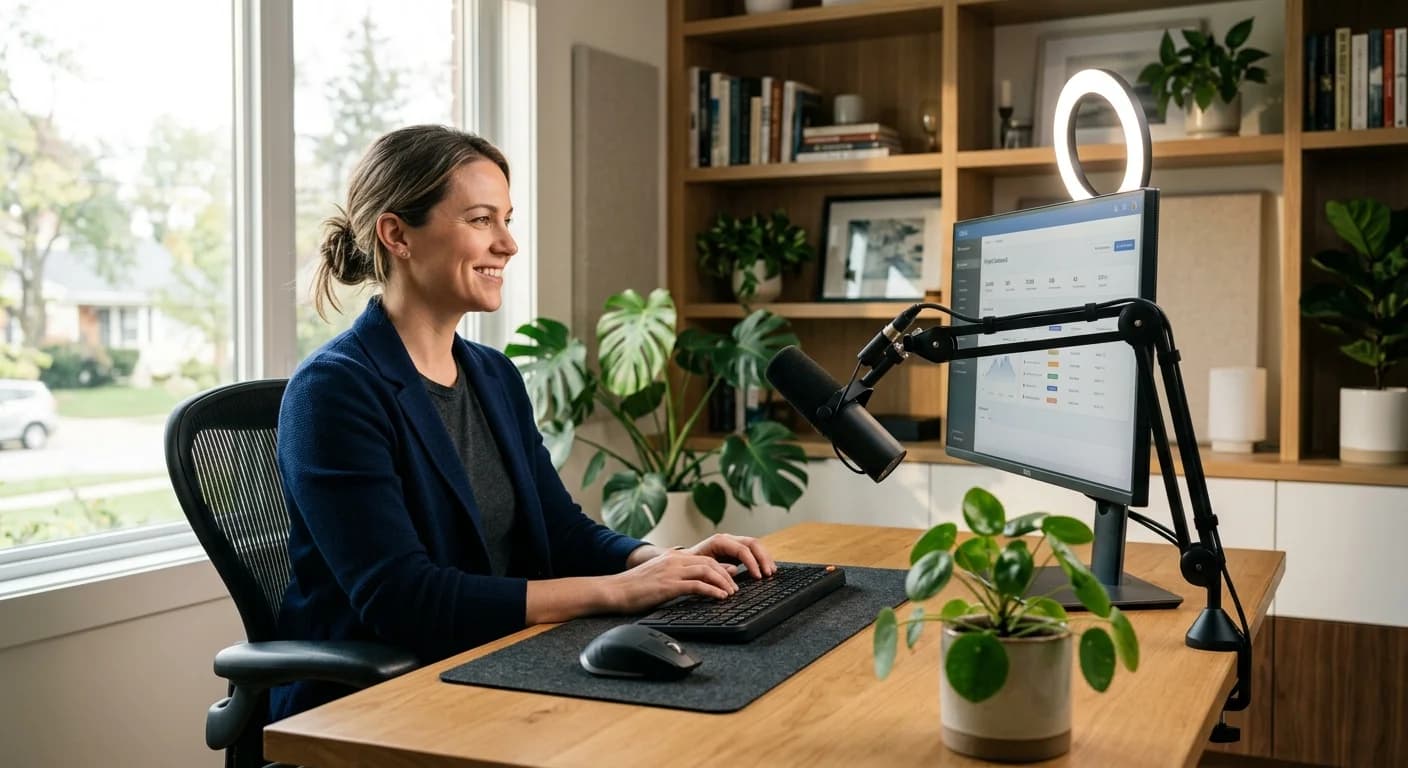
While some tools offer browser extensions, a dedicated desktop interview copilot is generally more stable and less intrusive. It creates a side-by-side workflow where the AI interface sits next to your Zoom window. This allows you to maintain "digital eye contact" by looking toward the top of your screen where the camera and your notes are both located.
Audio Configuration
Ensure your AI tool is correctly capturing your system audio. Most modern assistants use advanced drivers to listen to the incoming audio from Zoom and your outgoing microphone audio. Test this setup at least 30 minutes before the call. According to Harvard Business Review, technical glitches are one of the leading causes of candidate stress, so a dry run is vital.
Beyond the Live Call: The Power of Preparation
While live support is a significant benefit, the foundation of a successful interview is built long before the Zoom link is clicked. An AI assistant is most effective when it is part of a broader video interview preparation tools ecosystem.
The Role of Mock Interviews
Before you ever face a real hiring manager, you should engage in an AI mock interview. This allows you to practice your delivery, refine your answers to common behavioral questions, and get comfortable with the AI interface. Mock sessions provide a low-stakes environment to test how you react to difficult questions and how well you can integrate the AI's prompts into your natural speaking style.
Refining Your Narrative
Use the AI to analyze your resume against the job description. It can suggest specific skills or projects you should emphasize. This level of preparation ensures that when you are on the live call, the AI isn't giving you new information, but rather reminding you of the high-quality answers you have already practiced.
Best Practices for Using AI Support Ethically
As with any technology, how you use an ai interview assistant for zoom matters. The goal is to enhance your communication, not to automate it. Here are some Zoom interview tips for candidates to ensure you remain professional and authentic.
- Avoid Scripting: Never use the AI to generate a script that you read word-for-word. Interviewers can easily detect when a candidate is reading, which often results in a flat, robotic delivery and a lack of engagement. Use the AI for bulleted prompts only.
- Maintain Engagement: Your primary focus should always be the interviewer. Use the AI as a secondary reference point, much like a pilot uses a flight deck instrument. Your eyes should remain mostly on the camera or the interviewer’s face.
- Prioritize Authenticity: The best use of remote interview support is to help you remember your own experiences. If the AI suggests a point that doesn't feel true to your history, ignore it. Your integrity is more important than a perfectly polished answer.
- Check Company Policy: While many companies view the use of preparation tools as a sign of resourcefulness, some highly regulated industries or specific technical assessments may have strict rules regarding third-party software. When in doubt, focus on using the AI for the preparation phase.
Integrating AI into Your Long-Term Career Strategy
The job market is increasingly competitive, and the tools we use to navigate it must evolve. An ai interview assistant for zoom is more than just a temporary fix for one call; it is a way to build better communication habits. By reviewing the AI interview notes and feedback from your sessions, you can identify recurring themes in your performance—such as filler words you use when nervous or areas where your explanations could be more structured.
As remote work continues to be a staple of the professional world, as noted by SHRM, mastering the art of the digital interview is a vital career skill. Leveraging AI allows you to move away from the frantic energy of last-minute cramming and toward a more structured, confident approach to career growth.
FAQ
Does an AI interview assistant work directly inside Zoom?
Most AI interview assistants operate as standalone desktop applications that run alongside Zoom. They capture the audio from the meeting to provide real-time support without requiring a direct plugin or integration within the Zoom interface itself. This ensures the tool remains lightweight and does not interfere with the video call's stability.
Is using an AI assistant during an interview considered cheating?
Using an AI assistant for organization, note-taking, and confidence-building is generally viewed as a modern preparation technique, similar to having a notebook on your desk. However, using it to generate answers you didn't create or reading a script word-for-word is discouraged, as it undermines the authenticity that hiring managers look for. The tool should be used to support your existing knowledge, not replace it.
How does an AI assistant help with technical or behavioral questions?
For technical questions, the assistant can help you remember specific frameworks or documentation details you've studied. For behavioral questions, it can provide prompts for your STAR-method stories, ensuring you include the 'Result'—the part of the story candidates most often forget.
Can I use AI to practice before the actual Zoom call?
Yes, and this is highly recommended. Using an AI mock interview feature allows you to simulate the pressure of a real call. You can practice your timing, refine your answers, and get comfortable with the interface so that by the time the actual interview starts, the technology feels like a natural part of your workflow.
Final Thoughts
Embracing an ai interview assistant for zoom is about giving yourself the best possible chance to succeed. By combining thorough preparation with intelligent real-time support, you can transform the interview process from a source of dread into an opportunity to demonstrate your true value. Ready to take the next step in your career? Download the CoPrep desktop application today and experience a more structured, confident way to interview.